Questions people ask us
What's this about a tenth?
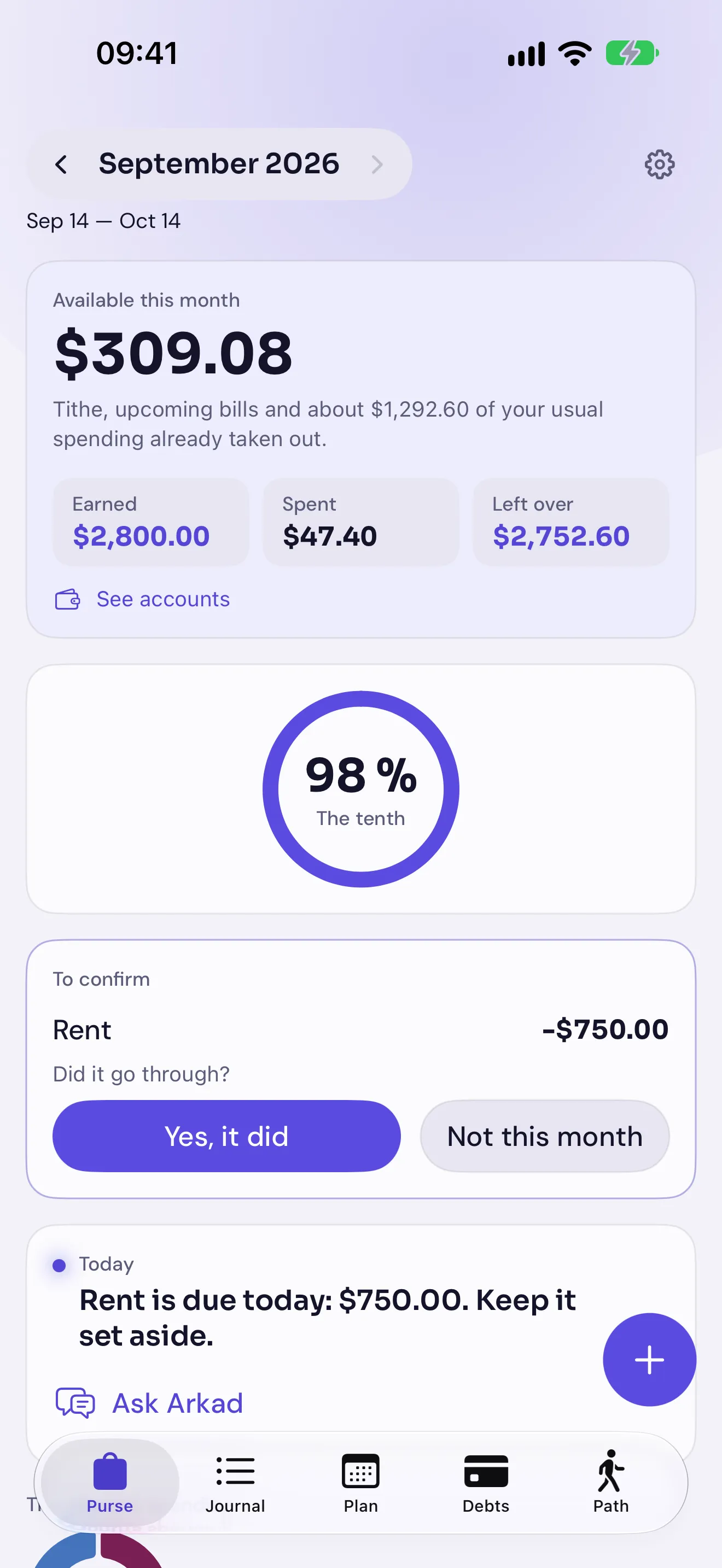
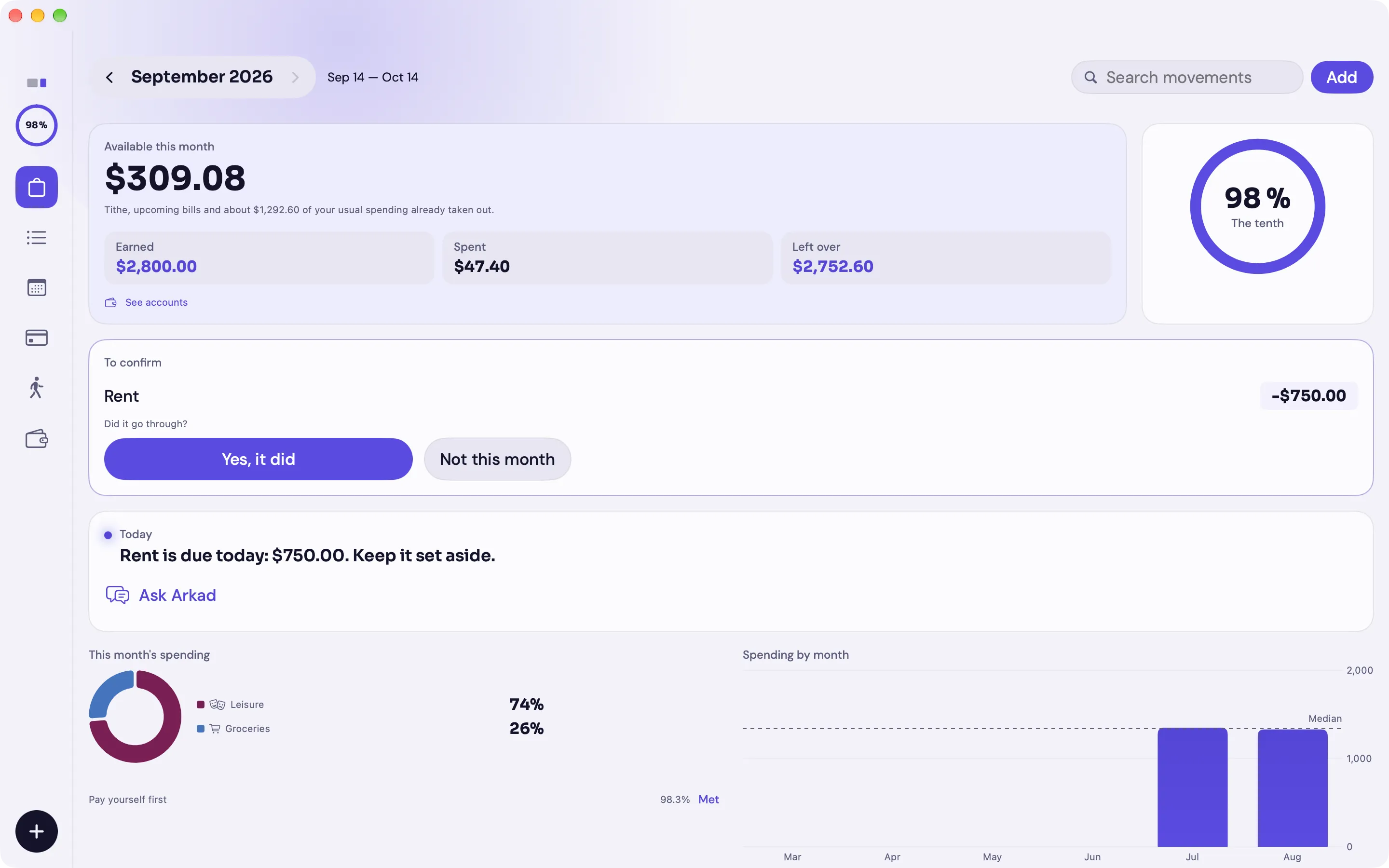
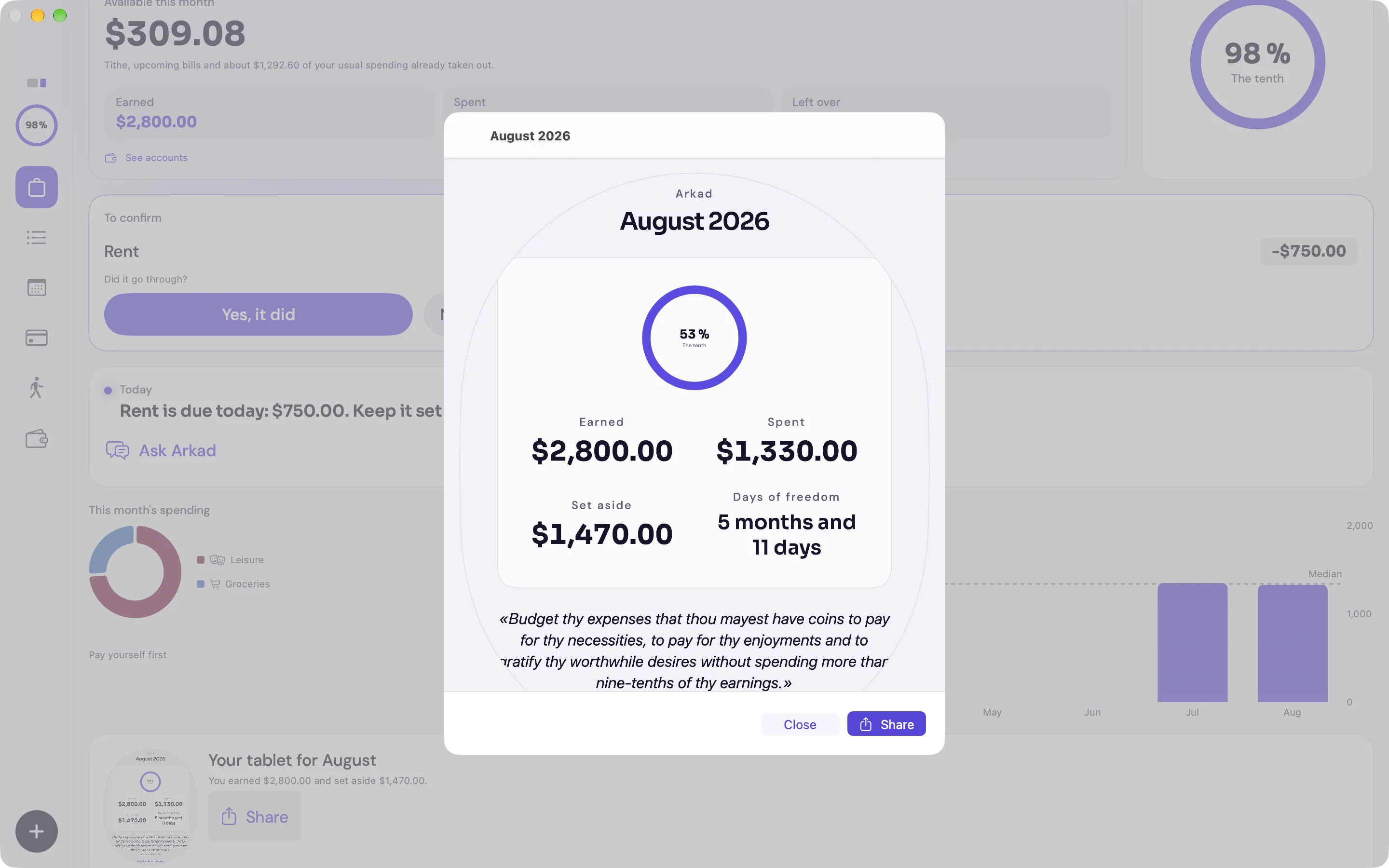
The central rule of “The Richest Man in Babylon”: of every ten coins you earn, keep one before spending on anything else. Arkad works it out the moment you log income and shows it as a ring with the share you've set aside. You can raise the percentage; you can't lower it below ten.
Do I need to have read the book?
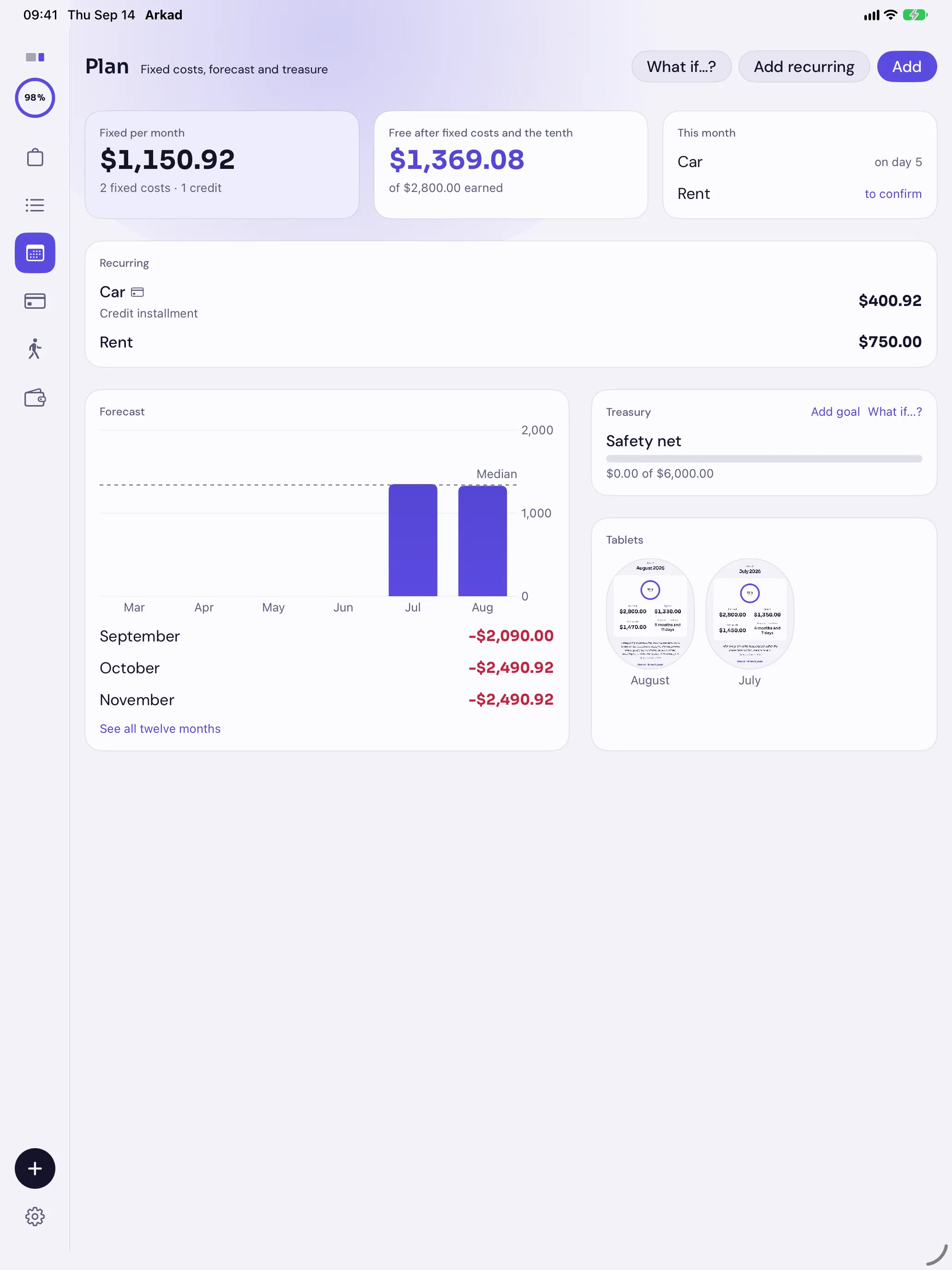
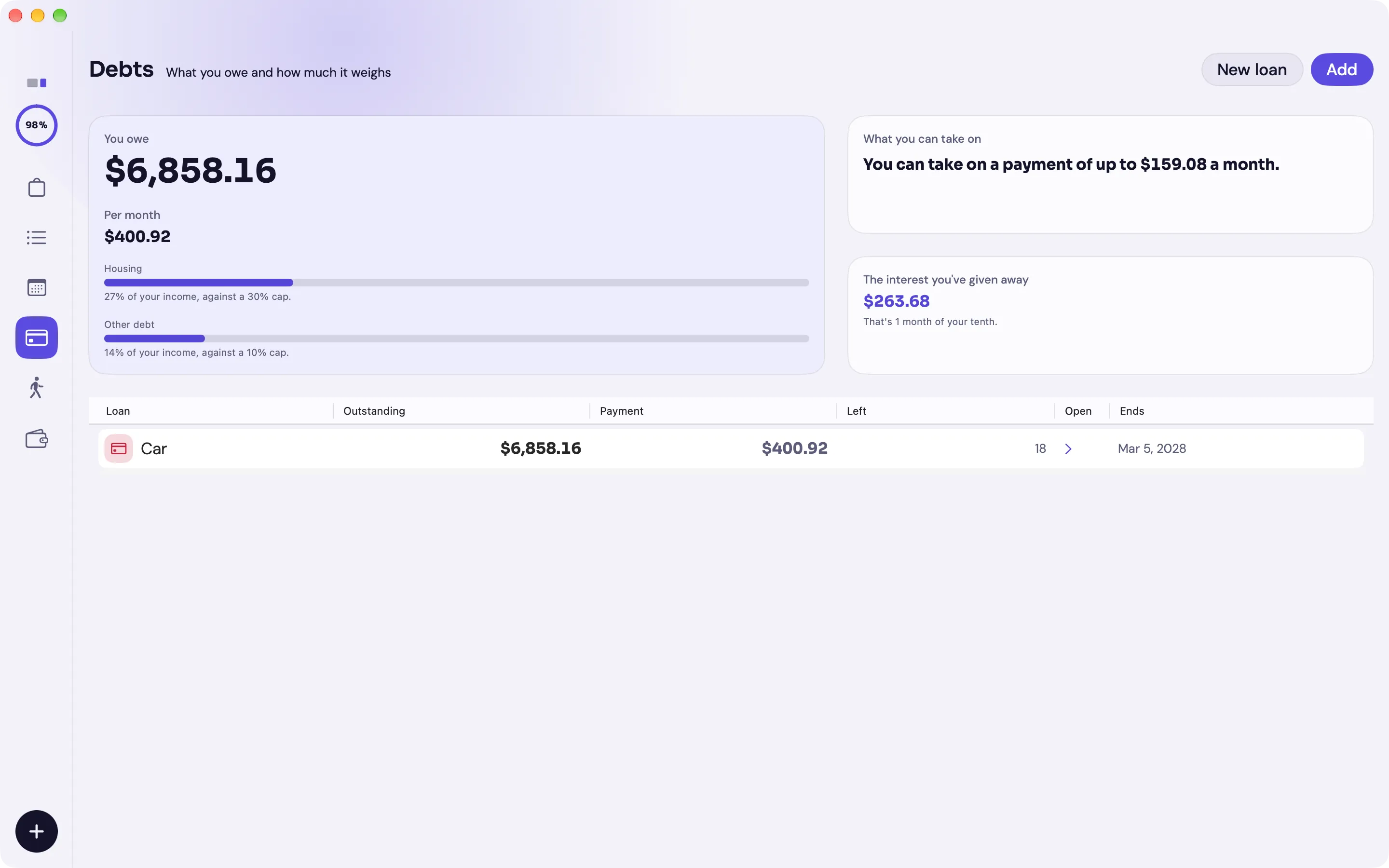
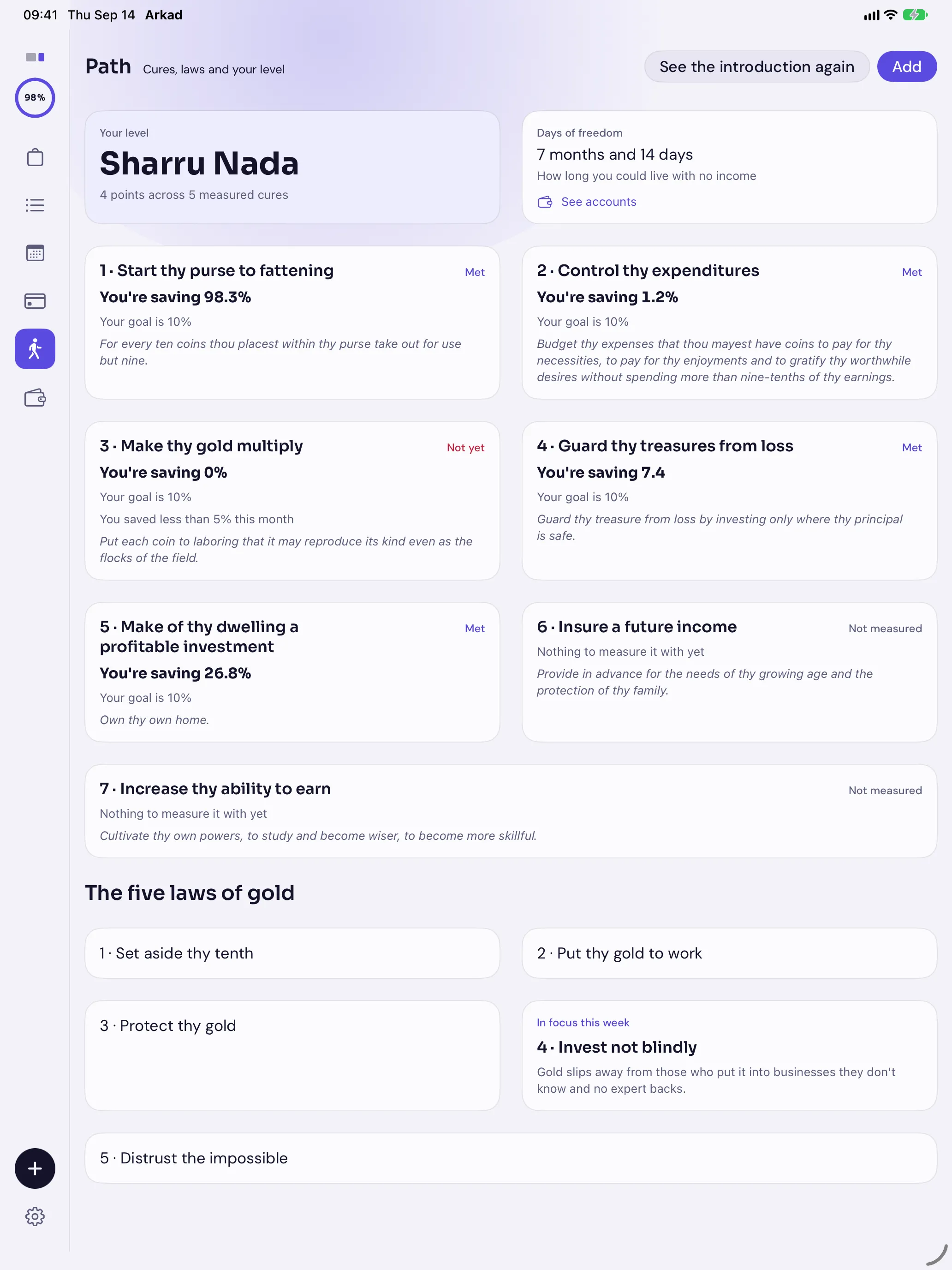
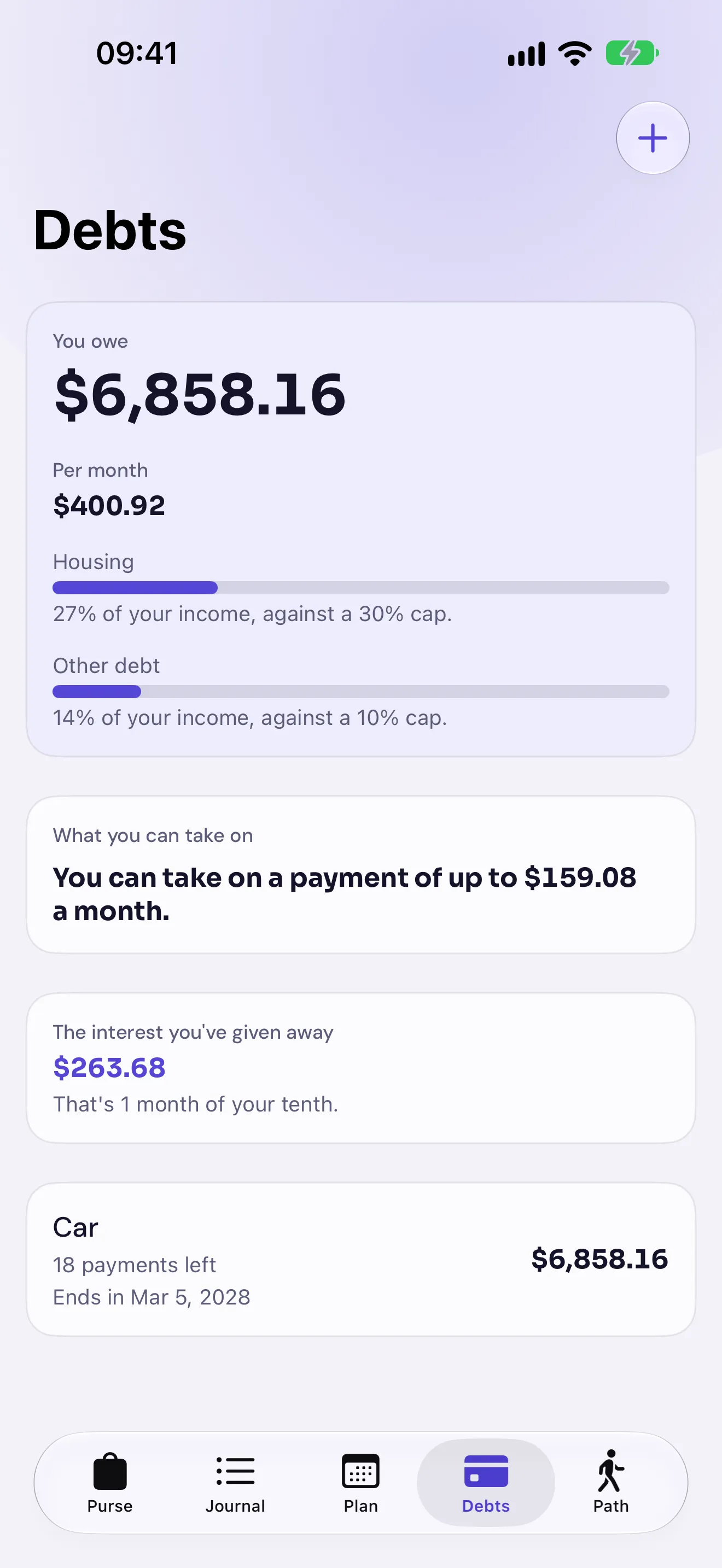
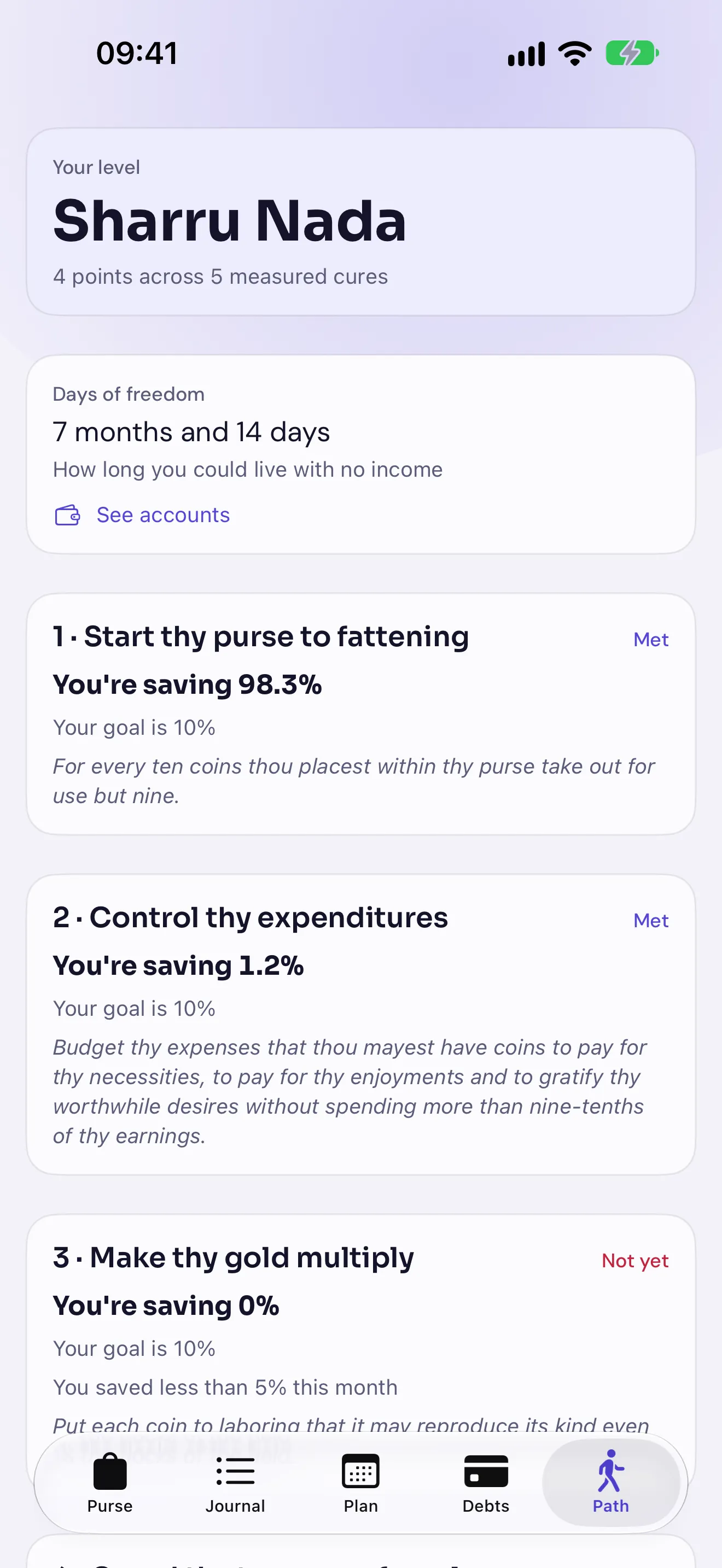
No. Arkad works like a normal expense app: you log, you see the month and you keep track of fixed bills and loans. The book sits underneath, in the tenth, in the cures of the Path and in the quotes on the tablet. If you've read it you'll recognise all of it; if not, you might feel like it.
When is it out?
On October 24, 2026. Leave your email and we'll write to you the day it's out, and for nothing else.
What happens when the free year ends?
It's €6.99 a year, with no monthly plan. If you don't subscribe, Arkad goes read-only: you see all your data and charts and can export them as CSV or as a full JSON copy whenever you like. The only things that need a subscription are logging, importing and restoring a backup. Your data isn't touched.
Where is my data?
On your device and, if you have iCloud, in your private CloudKit database, which only you can access. Arkad has no server, no analytics and no ads. The only network addresses it knows are Apple's, for purchases and for iCloud.
Does the receipt photo get uploaded anywhere?
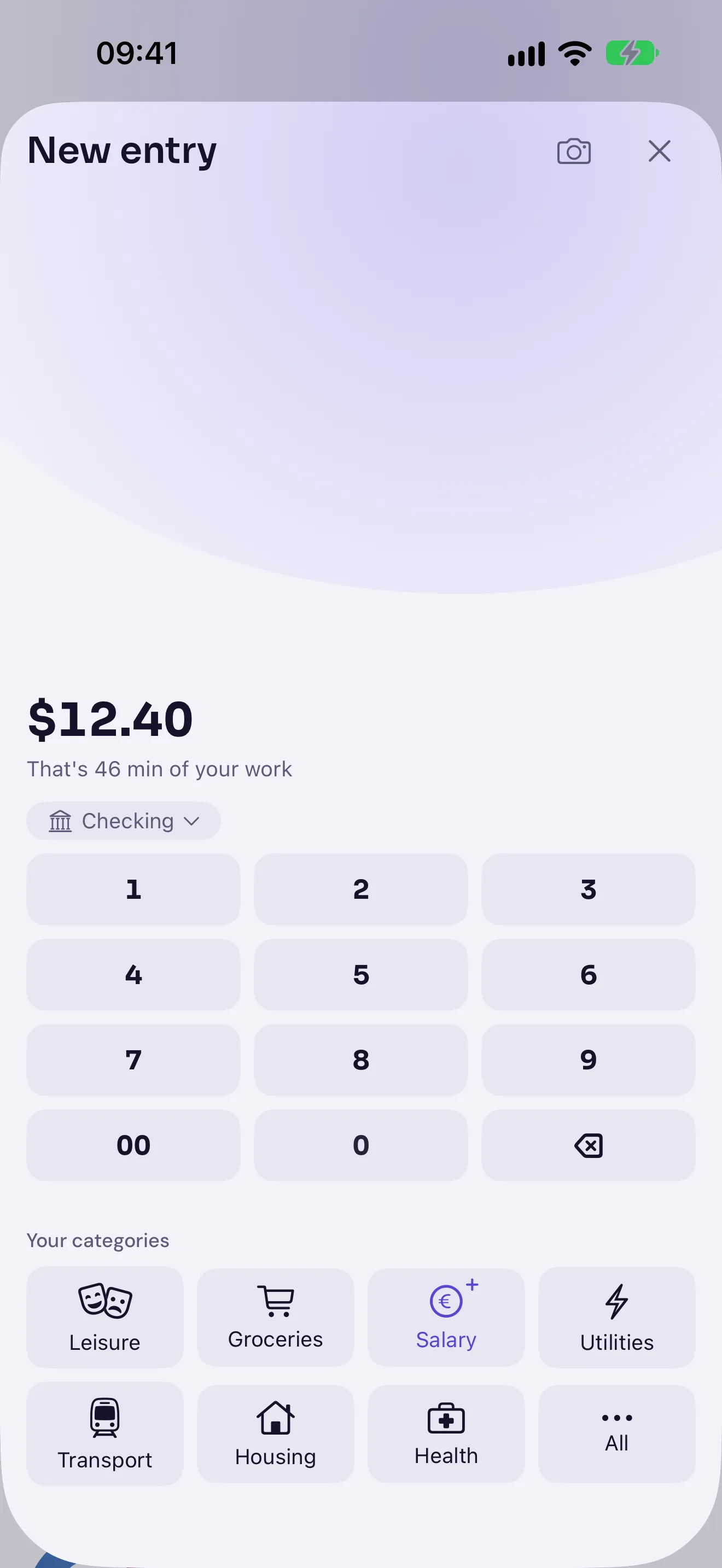
No. Reading the amount, merchant and date happens on the device itself with Apple's text recognition. The photo never leaves the phone and isn't kept once the data is extracted. The category is suggested locally too, with a lexicon of its own and, if your device has it, Apple Intelligence.
Can I import my bank statement?
Yes. Export the CSV from your bank and Arkad suggests which column is the date, which the amount and which the description, flags the transactions you'd already logged so they aren't duplicated and learns categories from what you'd already classified. It also restores a full JSON backup.
Which languages is the app in?
Spanish and English, with your region's currency. This website is in four languages, but the app is in two, and we'd rather say so before you leave your email than after.
Which devices does it run on?
iPhone, iPad and Mac, each with its own interface, not a resized copy. It includes Home Screen and Lock Screen widgets, Siri shortcuts and full accessibility: VoiceOver, Larger Text and Reduce Motion.